
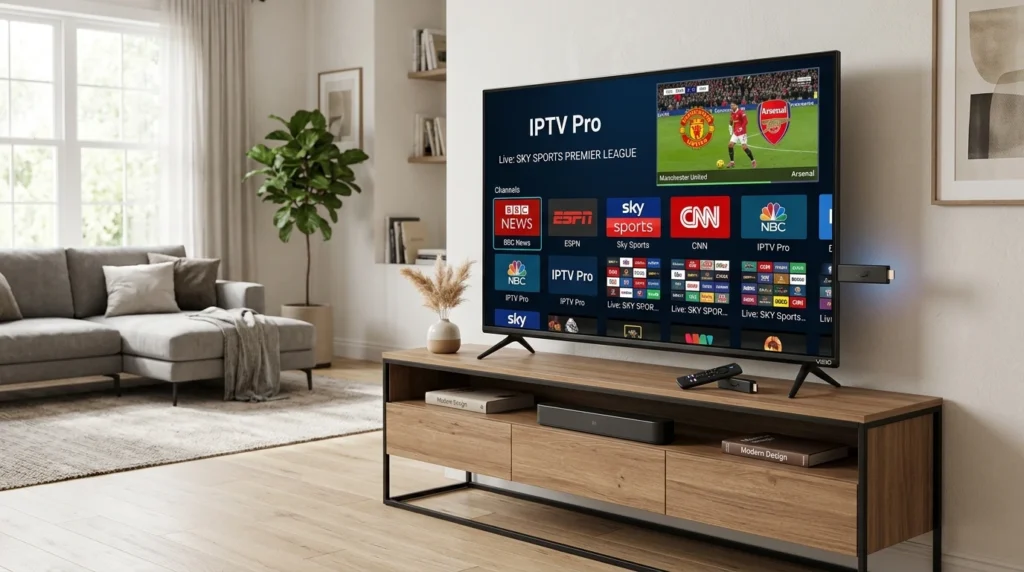
Vizio Smart TVs can stream IPTV through casting from mobile devices or by connecting external IPTV boxes. This guide explains which Vizio models support IPTV apps, the best methods to watch IPTV on Vizio TVs, casting setup steps, and external player options when built-in apps aren’t available.
Article Update History
October 2024: Initial publication covering Vizio IPTV compatibility, SmartCast vs older models, Chromecast casting, Fire Stick/Roku setup, and troubleshooting guide.
Can You Watch IPTV on Vizio Smart TV?
Yes, but Vizio doesn’t have dedicated IPTV apps in its app store. You need to either:
- Option 1: Cast IPTV from phone/tablet using Chromecast (built into SmartCast TVs)
- Option 2: Connect external device (Fire Stick, Roku, Apple TV, Android box)
Vizio TV Models and IPTV Compatibility
| Vizio Model Type | IPTV Apps? | Best IPTV Method |
|---|---|---|
| SmartCast (2016+) | ❌ No | Chromecast casting (built-in) |
| Older Smart TVs (pre-2016) | ❌ No | External device (Fire Stick, Roku) |
Why no IPTV apps? Vizio’s SmartCast platform uses Chromecast built-in instead of a traditional app store. You cast apps from your phone rather than installing them on the TV.
Method 1: Chromecast Casting to Vizio SmartCast
All Vizio SmartCast TVs (2016+) have Chromecast built-in:
Setup Steps
- Install IPTV app on phone/tablet (IPTV Smarters Pro or GSE Smart IPTV)
- Configure your M3U playlist in the app
- Ensure phone and Vizio TV on same Wi-Fi network
- Open IPTV app, play a channel
- Tap Cast icon in app
- Select your Vizio TV from device list
- Stream plays on TV
Supported IPTV apps with Chromecast:
- ✅ IPTV Smarters Pro (Android/iOS)
- ✅ GSE Smart IPTV (Android/iOS)
- ✅ VLC (Android)
Pros:
- ✅ No external device needed
- ✅ Free (uses built-in Chromecast)
- ✅ Phone acts as remote
Cons:
- ❌ Drains phone battery
- ❌ Can’t use phone for other tasks
- ❌ Quality depends on Wi-Fi strength
Method 2: External IPTV Device (Best Option)
For better IPTV experience, connect an external device to your Vizio TV:
Fire TV Stick ($50)
Setup:
- Plug Fire Stick into Vizio TV’s HDMI port
- Power via USB or wall adapter
- Install IPTV app (Smarters Pro, TiviMate, etc.)
- Add M3U playlist
- Watch with Fire Stick remote
Best for: Budget-friendly, works great for HD streams
Roku Streaming Stick ($50)
Setup: Same as Fire Stick — HDMI connection, install IPTV app, add playlist
Available Roku IPTV apps:
- M3U Playlist Player
- IPTV Player (various from Roku Channel Store)
Apple TV 4K ($129-179)
Best premium option:
- Fastest performance
- Best 4K support
- Longest software support
- Works with IPTV Smarters Pro, GSE, Kodi
Android TV Box ($50-150)
Examples: Chromecast with Google TV, NVIDIA Shield TV
Advantages:
- ✅ TiviMate support (best IPTV app)
- ✅ All IPTV apps available
- ✅ Recording support
Vizio SmartCast Remote and HDMI-CEC
Vizio TVs support HDMI-CEC, so you can control external devices with Vizio remote:
- Enable HDMI-CEC: Vizio Menu → System → CEC → Enable
- Connect Fire Stick/Roku/Apple TV via HDMI
- Vizio remote automatically controls external device
- Power, volume, navigation all work
Tip: If Vizio remote doesn’t control Fire Stick, restart both TV and Fire Stick with HDMI-CEC enabled.
Troubleshooting Vizio IPTV Issues
Can’t Find Vizio TV When Casting
Fixes:
- Verify phone and TV on same Wi-Fi network (not guest network)
- Restart Vizio TV
- Restart phone/tablet
- Disable VPN on phone (blocks local network discovery)
- Check router AP Isolation is disabled
Casting Buffers or Stutters
Causes:
- Wi-Fi too slow (need 25+ Mbps for HD)
- Vizio TV on 2.4 GHz Wi-Fi (switch to 5 GHz)
- Too many devices on network
Solution: Use external device instead of casting for smoother performance
Vizio Remote Won’t Control Fire Stick
Enable HDMI-CEC:
- Vizio Menu → System → CEC → Enable
- Fire Stick Settings → Display & Sounds → HDMI CEC → Enable
- Unplug Fire Stick, wait 10 seconds, plug back in
- Test Vizio remote navigation
Vizio vs Other Smart TVs for IPTV
| TV Brand | IPTV Apps? | Best Method |
|---|---|---|
| Vizio (SmartCast) | ❌ No | Casting or external device |
| Samsung (Tizen) | ⚠️ Very limited | External device recommended |
| LG (webOS) | ⚠️ Very limited | External device recommended |
| Sony (Google TV/Android TV) | ✅ Yes | Install apps directly |
| TCL/Hisense (Roku/Android) | ✅ Yes | Install apps directly |
Bottom line: For dedicated IPTV viewing, external device (Fire Stick $50) gives better experience than casting on any smart TV brand.
Why Echo Best IPTV Works Great on Vizio
Echo Best IPTV works on Vizio TVs via casting or external devices:
- ✅ Standard M3U playlists (work with all IPTV apps)
- ✅ Cast from phone using Smarters Pro or GSE
- ✅ Works on Fire Stick, Roku, Apple TV, Android boxes
- ✅ 20,000+ channels accessible on Vizio via any method
- ✅ 100,000+ VOD library
- ✅ 24/7 support helps with Vizio setup
Perfect for Vizio TVs
Try Echo Best IPTV on your Vizio TV — cast from phone or use Fire Stick/Roku. 20,000+ channels, 24-hour free trial.
Start Your 24-Hour Free Trial →
€29.90-€69.90/year • Works on All Vizio Models
Frequently Asked Questions
Can I install IPTV apps directly on Vizio Smart TV?
No. Vizio SmartCast doesn’t have an app store for IPTV apps. You must either cast from your phone using built-in Chromecast, or connect an external device like Fire Stick ($50) which has full IPTV app support.
What’s the best way to watch IPTV on Vizio TV?
Fire TV Stick ($50) connected via HDMI. Install IPTV Smarters Pro or TiviMate, add your playlist, and watch with Fire Stick remote. Better than casting — no phone drain, dedicated remote, smoother performance.
Does Vizio SmartCast support Chromecast for IPTV?
Yes. All Vizio SmartCast TVs (2016+) have Chromecast built-in. Install IPTV Smarters Pro or GSE on Android/iPhone, play a channel, tap Cast icon, select Vizio TV. Stream plays on TV while phone acts as remote.
Can I use TiviMate on Vizio TV?
Not directly — TiviMate is Android TV only. Install it on Fire Stick, Chromecast with Google TV, or Android TV box connected to your Vizio, then you can use TiviMate on the big screen.
Why can’t I find my Vizio TV when casting IPTV?
Ensure phone and Vizio on same Wi-Fi network (not guest network). Disable VPN on phone. Restart both TV and phone. Check router’s AP Isolation is disabled (Settings → Wireless → Advanced). If still failing, use Fire Stick instead of casting.
Does Vizio TV support 4K IPTV?
Yes, if you have a 4K Vizio model (2016+). Use Fire TV Stick 4K ($50), Apple TV 4K ($129), or Chromecast with Google TV 4K ($50) to watch 4K IPTV streams. Requires 50+ Mbps internet and IPTV provider with 4K channels.
Can I control Fire Stick with Vizio remote?
Yes, via HDMI-CEC. Enable CEC on both Vizio TV (Menu → System → CEC) and Fire Stick (Settings → Display & Sounds → HDMI CEC). Vizio remote will control Fire Stick navigation, volume, and power.
Does Echo Best IPTV work on Vizio Smart TVs?
Yes. Echo Best IPTV works on all Vizio TVs via Chromecast casting (SmartCast models) or external devices (Fire Stick, Roku, Apple TV). All plans (€29.90-€69.90/year) include M3U playlists that work with any method. 24/7 support helps with Vizio setup.

