How to Set Up Multiview Streaming for Live Sports on Your Smart TV with OREI 4‑in‑1 Quad Multiviewer
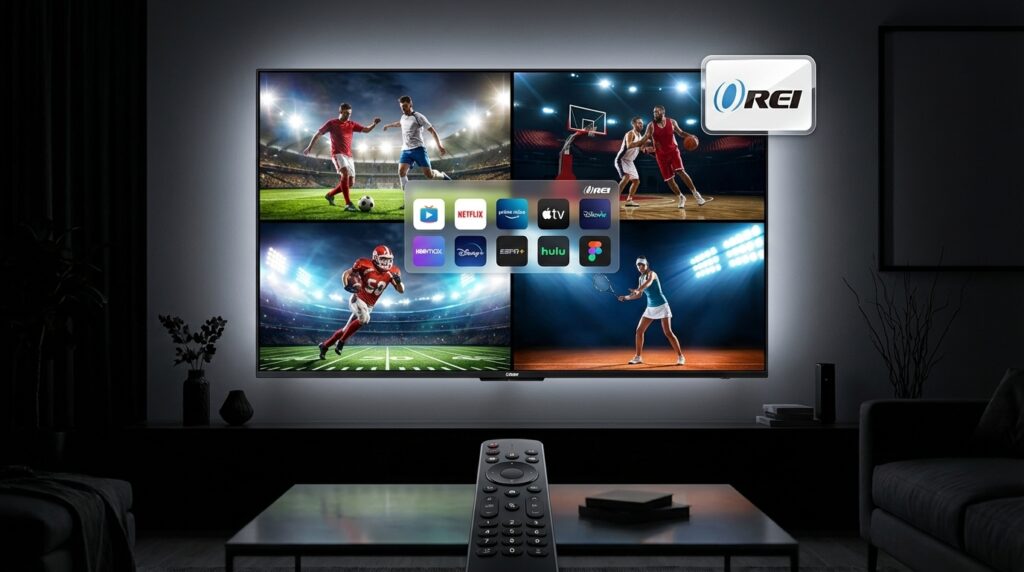
Imagine cheering through four games at once on one big screen. For sports fans who crave constant action, this is thrilling and convenient. The OREI 4‑in‑1 Quad Multiviewer puts four live feeds on a single TV. That way, you never miss a bracket busting moment. Best of all, it costs far less than higher end gear and plugs into your existing smart TV setup.
In this guide, you will learn to connect and configure the multiviewer. Then you will stream multiple live sports feeds using streaming sticks, cable boxes, or game consoles. Along the way, I will show simple tips for HDMI routing, audio switching, and picture layouts.
Because the box supports four inputs, it works with many sources. Therefore you can mix DIRECTV, Fubo, YouTube TV, or local tuner feeds. As a result, you get a true multiview experience without juggling devices.
This introduction shows why a 4-in-1 Quad Screen Multiviewer matters. It also covers what gear you need and how to troubleshoot common issues. Read on to unlock a smarter, cheaper way to watch more live sports on your smart TV.
Key Benefits of the OREI 4‑in‑1 Quad Multiviewer
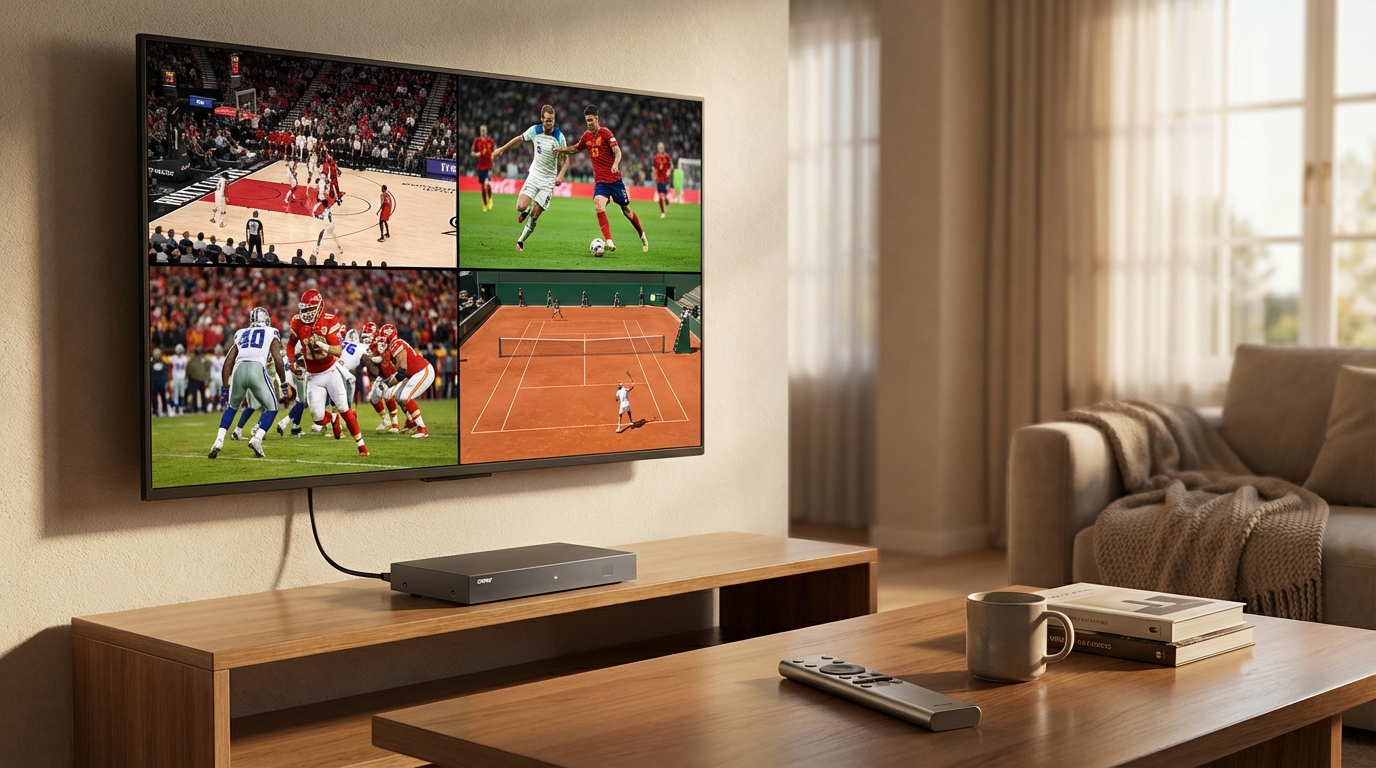
The OREI 4‑in‑1 Quad Multiviewer supports four live feeds on a single TV, so you can watch multiple games at once. Because it takes four HDMI inputs, you can mix streaming sticks, cable boxes, and game consoles. The device composites those inputs into a clean quad layout, and it sends one HDMI output to your smart TV. As a result, you avoid juggling remotes or switching HDMI ports during big matchups.
Setup remains simple and fast. First, plug each source into the multiviewer HDMI inputs. Then connect the unit to your TV and power it on. Most users finish in minutes, and the box works as a plug and play HDMI multiviewer. Also, it plays nicely with popular streaming services that offer live sports, like Fubo and YouTube TV. See Fubo and YouTube TV for multichannel streaming options.
Affordability makes this unit stand out. The OREI 4‑in‑1 Out Quad‑Screen Multiviewer drops to about $44.74 after a 5 percent coupon. Therefore the final price sits around $42.74 while the deal lasts. You can find the product and coupon on major retailers such as Amazon. Because it costs a fraction of high end switchers, the multiviewer gives big value for budget setups.
Multiview boosts the live sports experience, especially during March Madness. Instead of missing a buzzer beater while switching inputs, you see all games at once. Consequently, you catch every crucial play, and you can focus on the action. The system also reduces clutter, since one HDMI cable replaces four separate runs.
Quick highlights and related features
- Four simultaneous HDMI inputs for four live feeds on a single TV
- Multiple layout options and low latency switching
- Plug and play setup with broad HDMI compatibility
- Works with streaming sticks, set top boxes, and consoles
- Affordable price point with coupon savings around $42.74
Together, these benefits explain why fans use a 4‑in‑1 Quad‑Screen Multiviewer to upgrade game day viewing. It keeps action visible, reduces hassle, and stretches your streaming gear further.
Multiviewer Product Comparison
| Product Name | Price | Number of Screens Supported | Compatibility | Unique Features |
|---|---|---|---|---|
| OREI 4‑in‑1 Quad Multiviewer | $44.74 after 5% coupon; final price around $42.74 | 4 | HDMI inputs; works with streaming sticks, cable boxes, consoles | Plug and play; low latency; multiple layout options; budget friendly |
| Blackmagic Design MultiView 4 | ~$495 | 4 | HDMI and SDI; broadcast monitors and professional gear | Advanced monitoring tools; high reliability for pro workflows |
| J‑Tech Digital 4×1 HDMI Multiview Switch | ~$99 | 4 | HDMI devices, streaming sticks, set top boxes | Quad and picture in picture modes; remote control support |
| Generic 4×1 HDMI Matrix Switcher | $150 to $300 | 4 (often expandable) | HDMI; some models support multiple outputs and scaling | Flexible input-output routing; best for custom A/V setups |
Quick buying notes
- If you want low cost and easy setup choose the OREI 4‑in‑1 Quad Multiviewer. It gives four live feeds on a single TV.
- However if you need broadcast grade features pick Blackmagic for professional monitoring.
- For a midrange option consider J‑Tech for extra modes and remote control.
- Lastly think about future needs such as scaling and SDI ports before you buy.
Setting Up the OREI 4‑in‑1 Quad Multiviewer for Live Sports Streams
Follow these clear steps to connect and configure the OREI 4‑in‑1 Quad Multiviewer so you can watch four live sports feeds on one smart TV. Use short cables where possible, because shorter runs reduce signal issues.
-
Gather gear and place devices
- Prepare four source devices such as streaming sticks, set top boxes, or game consoles. Next, place the OREI unit near your TV and within reach of power and HDMI cables. Also have your TV remote and any device remotes ready.
-
Connect HDMI inputs
- Plug each source into the OREI HDMI input ports. Then label each cable lightly so you remember which input feeds which stream. This step speeds layout selection and troubleshooting.
-
Connect output to the TV and power on
- Use one HDMI cable from the OREI HDMI output to your smart TV HDMI input. After that, power the OREI and turn on the TV. The multiview signal should appear as a quad layout.
-
Configure layouts and audio
- Use the OREI remote or buttons to choose a layout and to switch the active audio track. If audio plays from only one feed, adjust the OREI audio selection or set your TV to external audio. If needed, mute unused devices to avoid echo.
-
Start live streams on each source
- Open the sports apps or channels on each device. For popular platforms, log into your account and open the live channel you want. For example, use Fubo at Fubo or YouTube TV at YouTube TV on separate devices so each stream feeds an HDMI input.
-
Optimize picture and fix common issues
- If you see no picture check HDMI handshake by reseating cables. Also test different HDMI ports and lower resolutions if you encounter stuttering. Finally, power cycle the OREI and sources if issues persist.
-
Tips for best results
- Use a wired Ethernet connection for streaming sticks when possible to reduce buffering. Moreover, update each device app so streams remain stable. If you want to follow events like March Madness, assign high priority streams to inputs one and two for instant attention.
These steps help you get multiview working quickly. As a result, you can watch four simultaneous games without swapping HDMI cables or juggling remotes.
CONCLUSION
The OREI 4‑in‑1 Quad Multiviewer elevates live sports viewing by putting four live feeds on one screen. Because it simplifies HDMI routing and offers low latency, you catch every key play without switching inputs. Moreover, setup is plug and play, and the device stays budget friendly for most fans. Therefore the multiviewer transforms crowded game day viewing into a clean, focused experience.
Echo Server IPTV complements multiview hardware by delivering reliable IPTV subscriptions. It offers live TV, movies, and sports channels with steady streams and broad device support. As a trusted provider, Echo Server IPTV emphasizes quality, performance, and quick customer support. Therefore pairing Echo Server IPTV with the OREI multiviewer gives long term viewing peace of mind.
For sustained satisfaction choose solutions that combine smart hardware and reliable content services. Moreover, regular updates and responsive support matter for years of trouble free use. Trust the OREI 4‑in‑1 Quad Multiviewer and Echo Server IPTV to keep every game within view. Buy smart, set up once, and enjoy more live sports without the usual hassle.
Frequently Asked Questions (FAQs)
What does the OREI 4‑in‑1 Quad Multiviewer do?
The OREI 4‑in‑1 Quad Multiviewer places four live feeds on one TV screen. It takes four HDMI inputs and outputs a combined quad view. As a result, you can watch multiple games at once without switching HDMI ports.
Which devices and streaming services are compatible?
The unit works with streaming sticks, set top boxes, game consoles, and cable boxes. Moreover, it pairs well with major live sports services. For example, DIRECTV, Fubo, and YouTube TV streams run through devices that feed the multiviewer.
How hard is it to set up for live sports?
Setup is simple and fast. First, plug each source into the OREI HDMI inputs. Then connect the OREI output to your TV and power everything on. Finally, pick a layout and start the streams. Because it is mostly plug and play, most users finish in minutes.
Can I hear audio from all four feeds at once?
No, most multiviewers output a single audio channel at a time. However, you can switch which feed carries audio. Alternatively, use an external audio mixer or set your TV to external audio if you want multiple audio sources.
Is this multiviewer a good value for fans and big events?
Yes, it delivers strong value for the price. With coupon deals, the final price sits around $42.74. Therefore it costs far less than pro gear while giving the same quad view convenience. For March Madness and other multigame events, this device keeps all action visible and reduces remote hunting.