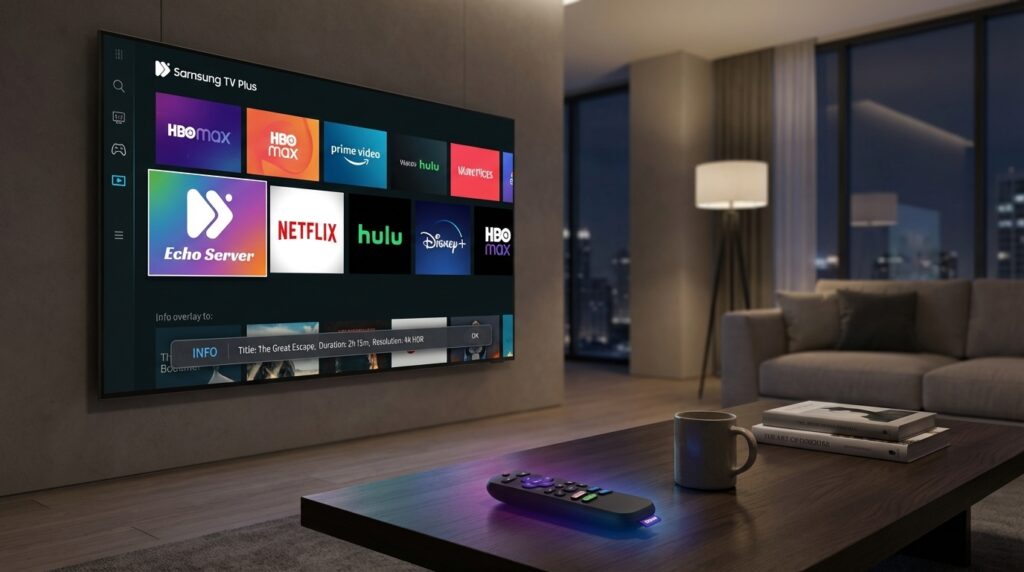
Streaming platform updates are accelerating how we watch live TV and on-demand content.
Roku leads with new Live TV guide features that show program info with a simple OK press. Meanwhile, Samsung TV Plus expands FAST channels with 24/7 game show lineups. Because both companies push smart TV innovations, viewers get richer experiences across devices. As a result, cord cutters can enjoy ad-supported channels and voice command conveniences.
If you use IPTV, you will want device-specific setup tips. Therefore this guide gives clear steps for Roku, Samsung TV Plus, and smart TVs. You will learn how to optimize the Roku Live Guide and use voice commands. Also we cover channel discovery, FAST services, and tips to reduce buffering. By following simple best practices you can improve picture stability and channel navigation. Continue reading to find device-specific walkthroughs, troubleshooting tricks, and setup checklists. We also explain program information overlays, runtime details, and genre tags. Finally, we offer tips for integrating Alexa and Google Assistant with your stream setup. Dive in to get the most from your smart TV experience today.
Streaming platform updates: Roku’s latest Live TV guide and features
Roku recently rolled out a meaningful update to its Live TV Channel Guide. Because the change focuses on quick access, pressing the OK button now overlays live program information. The overlay shows title, description, episode details, runtime, and ratings or genre tags. Also the overlay is semi transparent and does not pause playback. As a result, you keep watching while you check details.
Key features at a glance
- Press OK to view on screen program information without leaving full screen
- Overlay includes program title, description, episode metadata, runtime, and genre or rating tags
- Semi transparent banner that auto dismisses or closes with a button press
- Works in full screen viewing modes for smoother navigation
- Voice command optimizations for hands free queries via Alexa or Google Assistant
Compatibility and availability
The update began rolling out to compatible Roku devices with the latest software. For example, many recent Roku streaming sticks, players, and Roku smart TVs received the feature. However older models may need manual verification or a firmware update before they see it. Therefore check your device settings and software version to confirm compatibility.
Channels and discovery
Roku continues to offer a large catalog of free ad supported channels. In fact, the Live TV Channel Guide lists over 500 free channels across news, sports, and entertainment. For more background on the update and channel count, see the Cord Cutters News coverage at Cord Cutters News and the official Roku user guide at Roku User Guide.
Voice control tips
Roku supports Roku Voice natively, and the platform now better integrates with Alexa and Google Assistant for hands free lookups. For example, you can ask about the current program or search channels by voice. Finally, enable voice assistants in your Roku settings to link accounts and streamline commands.
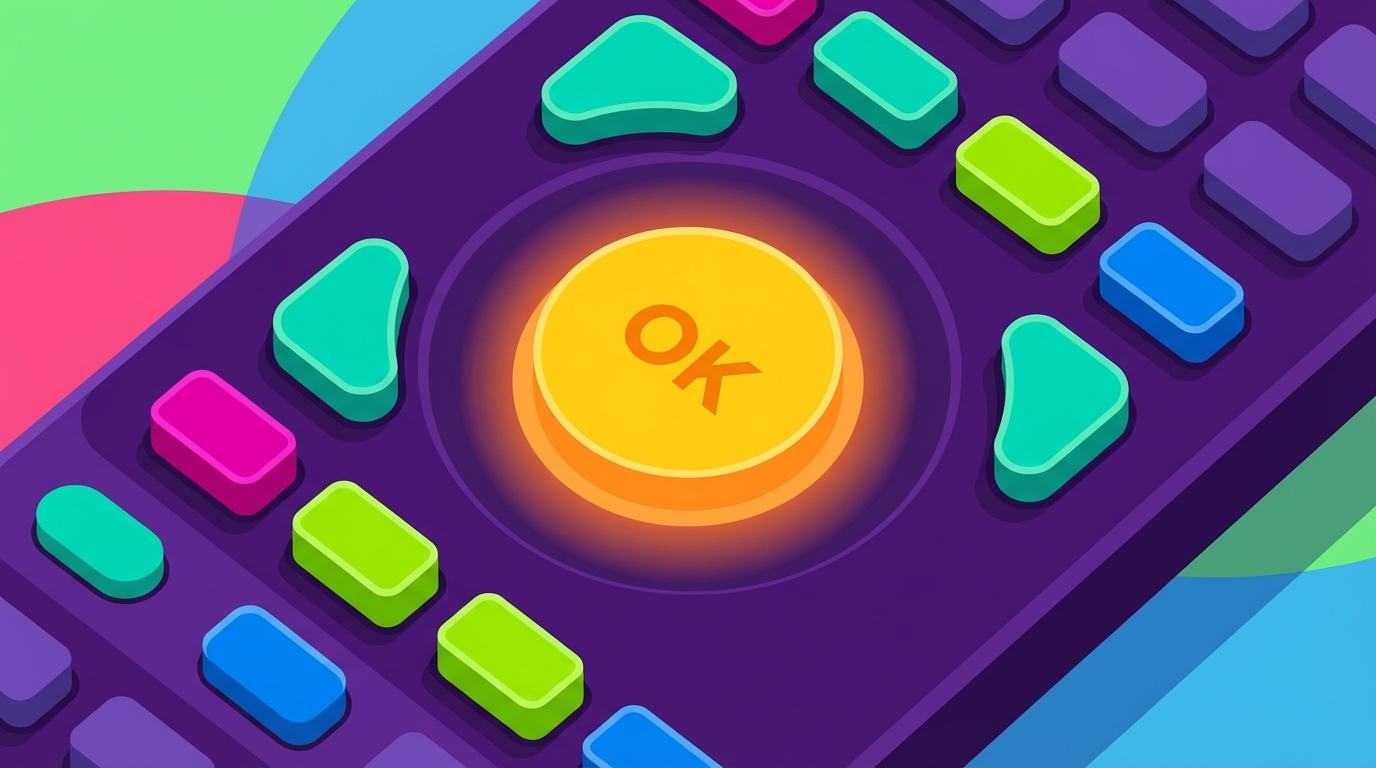
Image description: Close up illustration of a smart TV remote with a glowing halo around the circular OK button to indicate the Roku Live TV guide feature. The remote is colorful, flat vector style, and free of text or logos.
Samsung TV Plus: Fremantle game shows join the FAST lineup
Samsung TV Plus added three Fremantle owned game show channels to its FAST lineup. These channels stream 24 hours a day in the United States. They bring classic and modern game show programming to free viewers.
New channel additions
- Family Feud with Steve Harvey — modern highlights and popular moments
- Family Feud Classic — classic episodes from earlier hosts and eras
- The Price Is Right: The Barker Era — vintage Bob Barker episodes and iconic showcases
Free and ad supported
All three channels stream without a subscription. As the platform notes, these shows run non stop.
“All three channels are available 24 hours a day, seven days a week on Samsung TV Plus right now.”
“Like the rest of the platform’s FAST lineup, the channels are free to watch with ads and require no subscription.”
For more background and to confirm availability, see Cord Cutters News. The article lists the additions and highlights Samsung TV Plus’s ongoing FAST growth.
Tips for IPTV viewers
- Add the channels to your favorites for faster navigation
- Use the Samsung TV Plus search to find themed game show blocks
- Enable closed captions if you need clearer audio during fast paced segments
Overall, Samsung TV Plus continues expanding curated, ad supported channels. Therefore cord cutters gain more free options without extra cost.
| Feature | Roku | Samsung TV Plus |
|---|---|---|
| Number of Channels | 500+ free channels listed in the Live TV Channel Guide | Multiple FAST channels; recently added three Fremantle game show channels |
| Voice Control Integration | Roku Voice plus Alexa and Google Assistant integration for hands free queries | Voice search on Samsung TVs; works with built in assistants and platform voice features |
| Subscription Requirement | Mostly free ad supported channels; some premium apps may require subscription | Free ad supported FAST channels; no subscription required for the new game show channels |
| Content Type | Live TV, news, sports, entertainment, ad supported FAST channels | FAST channels, curated themed channels, 24 7 game shows, ad supported content |
| Availability | Available on Roku streaming sticks, players, and Roku smart TVs with compatible software | Available on Samsung smart TVs through Samsung TV Plus in the United States |
| Special Features | OK button overlays program info: title, description, runtime, episode details, genre tags | 24 7 Fremantle game show channels: Family Feud, Family Feud Classic, The Price Is Right Barker Era |
| Device Compatibility | Most recent Roku models; older devices may need firmware verification | Built in on Samsung smart TVs that support Samsung TV Plus |
Table notes: This comparison uses current streaming platform updates and known FAST additions. It helps you quickly spot differences and similarities between the two platforms.
Streaming platform updates have made live viewing smarter and easier for IPTV fans. Roku’s OK button overlay delivers instant program info without interrupting playback. Samsung TV Plus adds curated FAST channels, including three Fremantle game show streams running 24 hours a day. Because both platforms focus on discovery and convenience, IPTV viewers benefit from faster navigation and clearer channel signals.
For IPTV users, these changes matter. Roku offers voice integration with Alexa and Google Assistant for hands free searches. Samsung TV Plus provides subscription free, ad supported game shows that run continuously. Therefore you can find more free content and spend less time searching for shows.
Echo Server IPTV stands behind this shift toward better viewing. With over 20,000 satisfied customers and 25 partners, Echo Server IPTV emphasizes reliability and long term customer satisfaction. As a leading IPTV subscription provider, the company prioritizes uptime, clear streams, and responsive support.
In short, Streaming platform updates improve channel access, voice control, and content variety. Apply the device specific tips in this guide to optimize your setup. Finally, stay current with updates to keep your streams smooth and your viewing experience enjoyable.
Frequently Asked Questions (FAQs)
What are the most important streaming platform updates here?
Roku added an OK button overlay that shows live program info without pausing playback. Samsung TV Plus added three Fremantle game show channels that run 24/7 in the United States. Both updates improve discovery, voice control, and access to free ad supported content. Roku’s Live TV Channel Guide lists over 500 free channels.
How do I use Roku’s OK button feature?
While watching a live channel press the OK button on your Roku remote. The overlay displays title, description, runtime, episode details, and genre or rating tags. It is semi transparent and auto dismisses. If you do not see it, check for a software update. If your remote lacks an OK button, consult your model guide.
Are the new Samsung TV Plus channels free?
Yes. The three Fremantle channels stream without a subscription. They are ad supported and available 24 hours a day. Therefore you can watch classic and modern game show blocks without extra fees. They require no subscription and roll out nationwide on Samsung TVs.
Will voice assistants work with these updates?
Yes. Roku integrates with Alexa and Google Assistant for hands free queries. Likewise Samsung voice features help you search Samsung TV Plus. To use voice controls link your accounts and enable permissions in settings. Also check platform permissions and network access if voice fails.
How can IPTV viewers reduce buffering and improve stability?
Use a wired Ethernet connection when possible. Also lower stream quality during peak times or close background apps. Finally restart your router and check device firmware. Update your app and clear app cache on the device. Contact support if needed for help.